Squarespace Alternatives
Squarespace Alternatives: Store, Design and Export Requirements
Compare alternatives to Squarespace by store operations, editing, design and portability, with dated price captures and a practical export inventory.
| Vendor | Pricing | Turnaround | Best for |
|---|---|---|---|
| Squarespace | September snapshot: $19 / $29 / $49 / $99 monthly equivalent, annual | Current site baseline | A template and editing process that already fit the business |
| Wix | September snapshot: free; $17 / $29 / $39 / $159 monthly equivalent | Scope dependent | Testing business tools such as bookings or ordering |
| Webflow | September snapshot: Basic $15, Premium $25/month billed yearly | Design and content dependent | A designer-managed visual CMS workflow |
| Framer | September snapshot: free, $10 or $30/month; editor and usage extras | Design and content dependent | Testing a different visual-building and motion workflow |
| WordPress.com | September snapshot: $4 / $8 / $25 / $45 introductory monthly equivalent | Theme and import dependent | A WordPress editorial workflow |
| Shopify | September snapshot: $29 / $79 / $299 monthly equivalent, annual | Catalog and integration dependent | A store with specific commerce requirements to test |
| Carrd | September snapshot: free; Pro $9 / $19 / $49 per year | One-page scope | Launch pages and profiles |
| A maintained Next.js or Astro site | Build, commercial hosting, usage and maintenance | Project dependent | Custom implementation with explicit technical ownership |
| SUURThat’s us | Migration from $6,000; optional care $1,500/month; hosting separate | About two weeks for agreed scope of up to 20 pages | A disclosed publisher option for a managed move |
- Pricing
- September snapshot: $19 / $29 / $49 / $99 monthly equivalent, annual
- Turnaround
- Current site baseline
- Best for
- A template and editing process that already fit the business
- Pricing
- September snapshot: free; $17 / $29 / $39 / $159 monthly equivalent
- Turnaround
- Scope dependent
- Best for
- Testing business tools such as bookings or ordering
- Pricing
- September snapshot: Basic $15, Premium $25/month billed yearly
- Turnaround
- Design and content dependent
- Best for
- A designer-managed visual CMS workflow
- Pricing
- September snapshot: free, $10 or $30/month; editor and usage extras
- Turnaround
- Design and content dependent
- Best for
- Testing a different visual-building and motion workflow
- Pricing
- September snapshot: $4 / $8 / $25 / $45 introductory monthly equivalent
- Turnaround
- Theme and import dependent
- Best for
- A WordPress editorial workflow
- Pricing
- September snapshot: $29 / $79 / $299 monthly equivalent, annual
- Turnaround
- Catalog and integration dependent
- Best for
- A store with specific commerce requirements to test
- Pricing
- September snapshot: free; Pro $9 / $19 / $49 per year
- Turnaround
- One-page scope
- Best for
- Launch pages and profiles
- Pricing
- Build, commercial hosting, usage and maintenance
- Turnaround
- Project dependent
- Best for
- Custom implementation with explicit technical ownership
- Pricing
- Migration from $6,000; optional care $1,500/month; hosting separate
- Turnaround
- About two weeks for agreed scope of up to 20 pages
- Best for
- A disclosed publisher option for a managed move
A Squarespace replacement should be chosen around a task the current site cannot handle well enough: store operations, content editing, design or an integration. Test that task before committing to a new platform. Another subscription can introduce different limits, while a codebase adds responsibility for implementation and maintenance.
Key Takeaways
- Squarespace has a partial content export; the complete design does not transfer through that XML file.
- Store requirements are more useful than an arbitrary product-count threshold.
- Webflow, Wix and Framer have publishing features that need plan-specific evaluation.
- The September price captures below are historical; confirm today's full renewal and operating cost.
Inventory what has to leave Squarespace
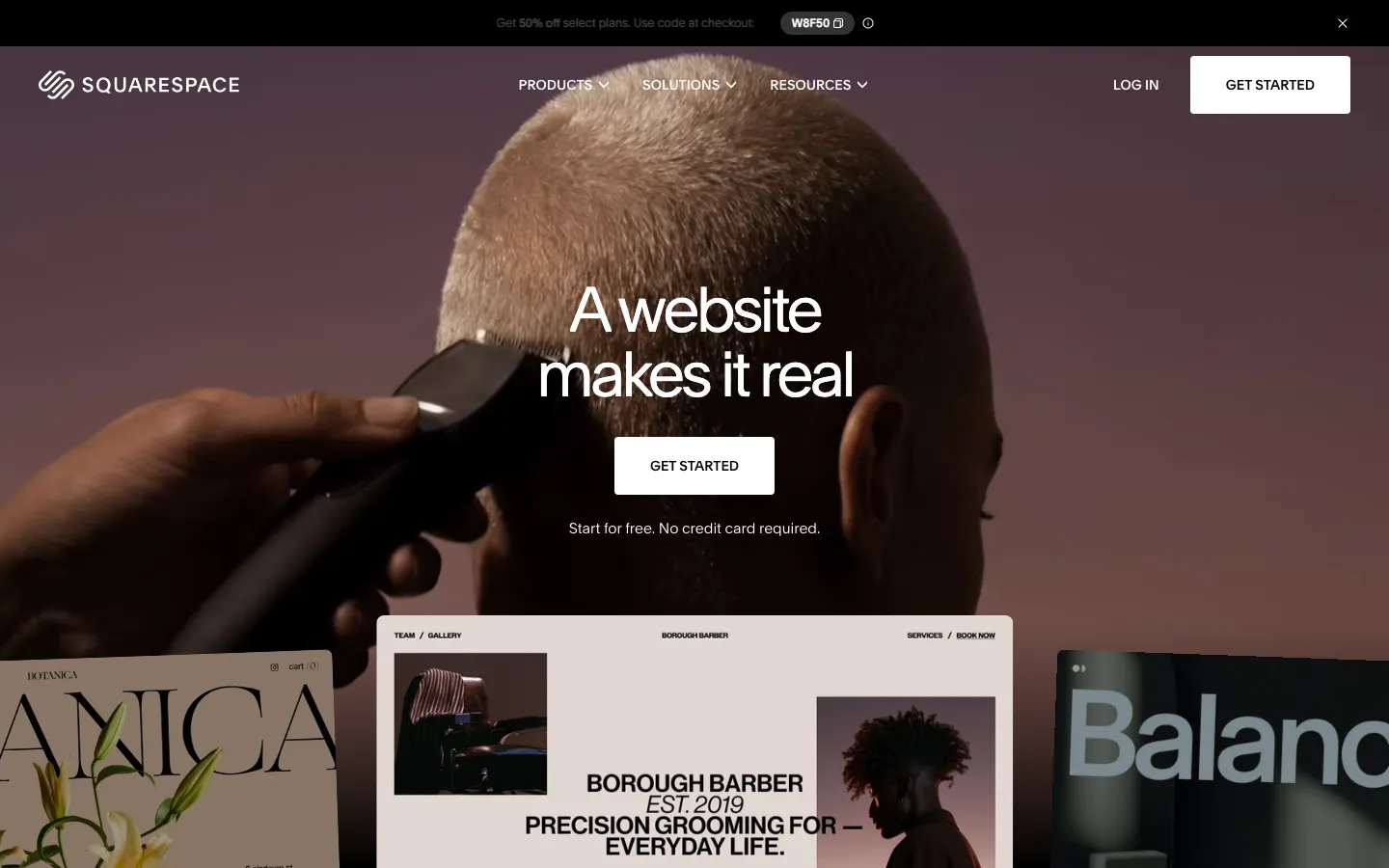
Squarespace's export documentation describes a WordPress XML export for some pages, one blog and supported text/image content. It also lists exclusions including styles, custom CSS and store pages.
That is neither “nothing exports” nor “the site moves intact.” Create an inventory before choosing the destination:
| Item | Check before moving |
|---|---|
| Pages and blog | Which records are in the XML, and which need separate handling |
| Images | Whether files are available and actually imported |
| Products | Required product data, variants and destination import support |
| Forms and bookings | Data, notifications, integrations and live service accounts |
| Design | Layouts, fonts, CSS and responsive behavior to recreate |
| Search structure | URLs, redirects, metadata and internal links |
Test one example of each content type. An export file existing does not prove that the destination has imported it correctly.
Shopify: decide from the store workflow

Shopify is worth evaluating when a specific commerce requirement is missing or costly in the present setup. Write down inventory, variants, fulfillment, tax configuration, returns, sales channels and reporting. Test the difficult workflow, not only the storefront.
Do not use “one hundred products” as a migration rule. A small catalog with complicated subscriptions may require more than a large catalog of simple products. Ask which functions are native, which need paid apps and which need custom work.
Include the surrounding content site in the trial: service pages, editorial content, navigation and forms still need to work after the store moves.
Webflow and Framer: give the designer a representative page
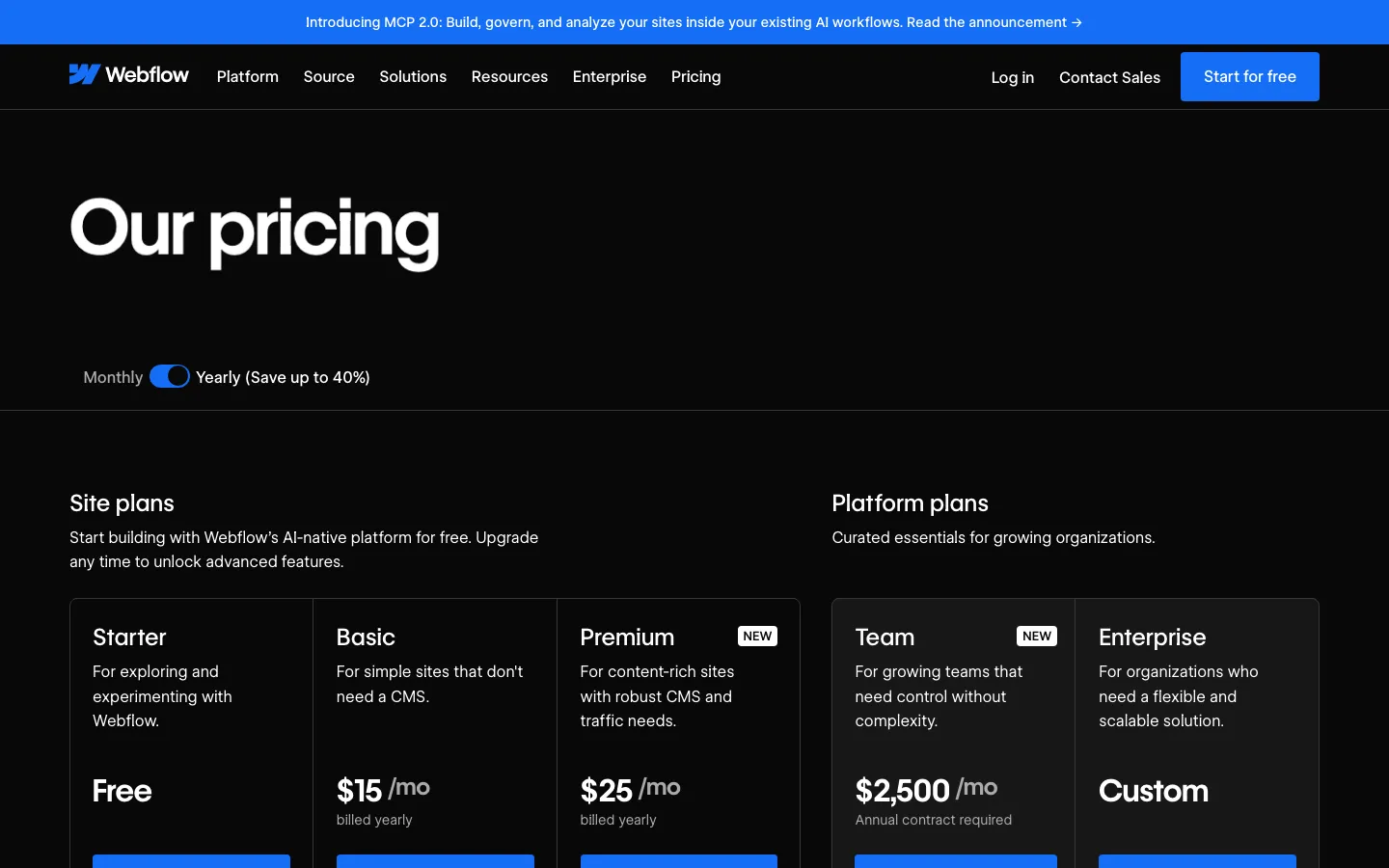
For Webflow, build a sample page with your real content and CMS relationships. Then test who can edit and approve it. Webflow documents page branching and branch staging on Team and Enterprise Platform plans, so a blanket “no branching” comparison is inaccurate.
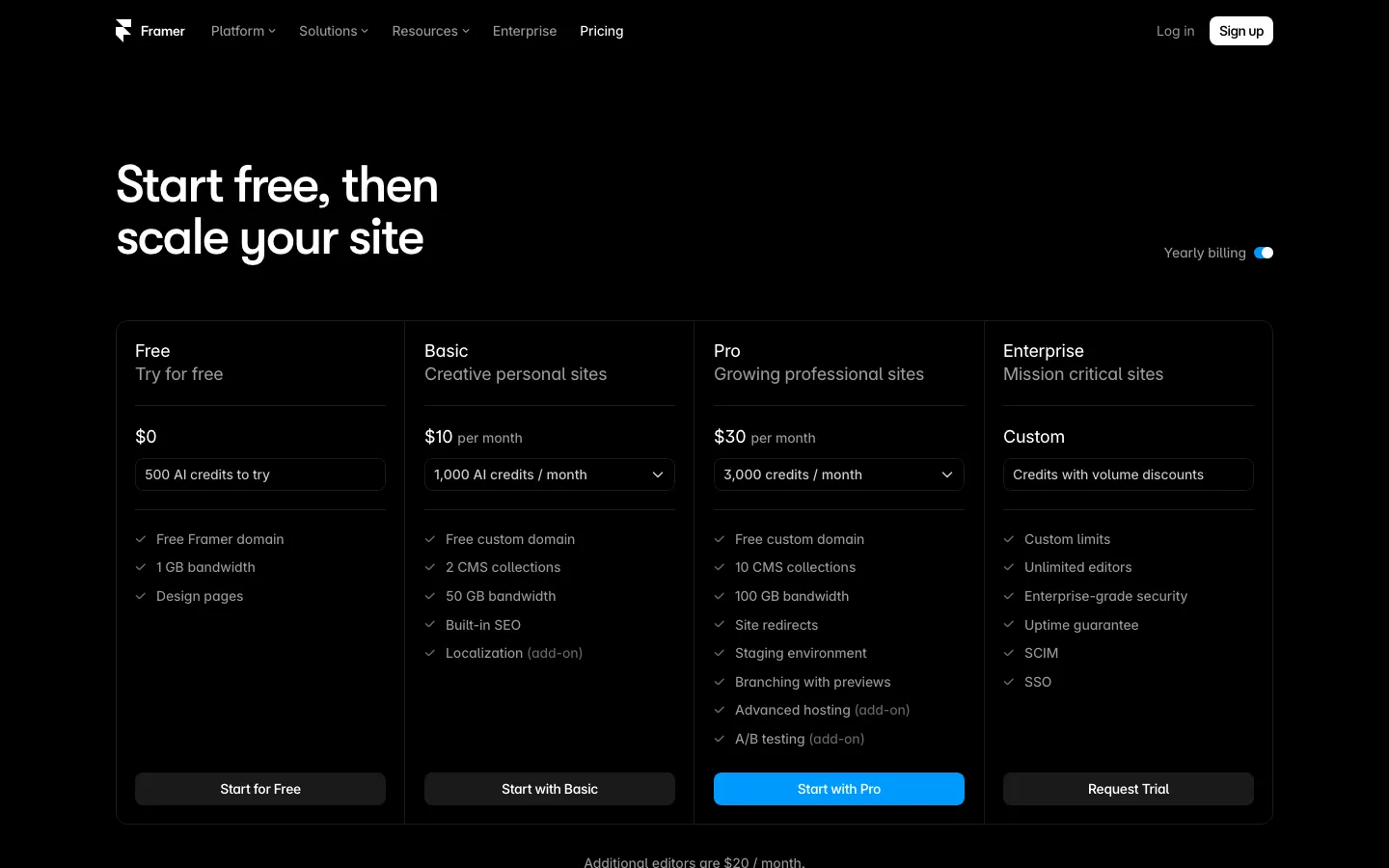
Framer is another visual-building candidate, and its CMS supports collection references. Compare the actual editor, motion requirements and content model rather than assuming one platform is universally faster. Before choosing on portability, resolve the conflicting official export statements described in Framer alternatives.
Wix and WordPress.com: test the owner's routine
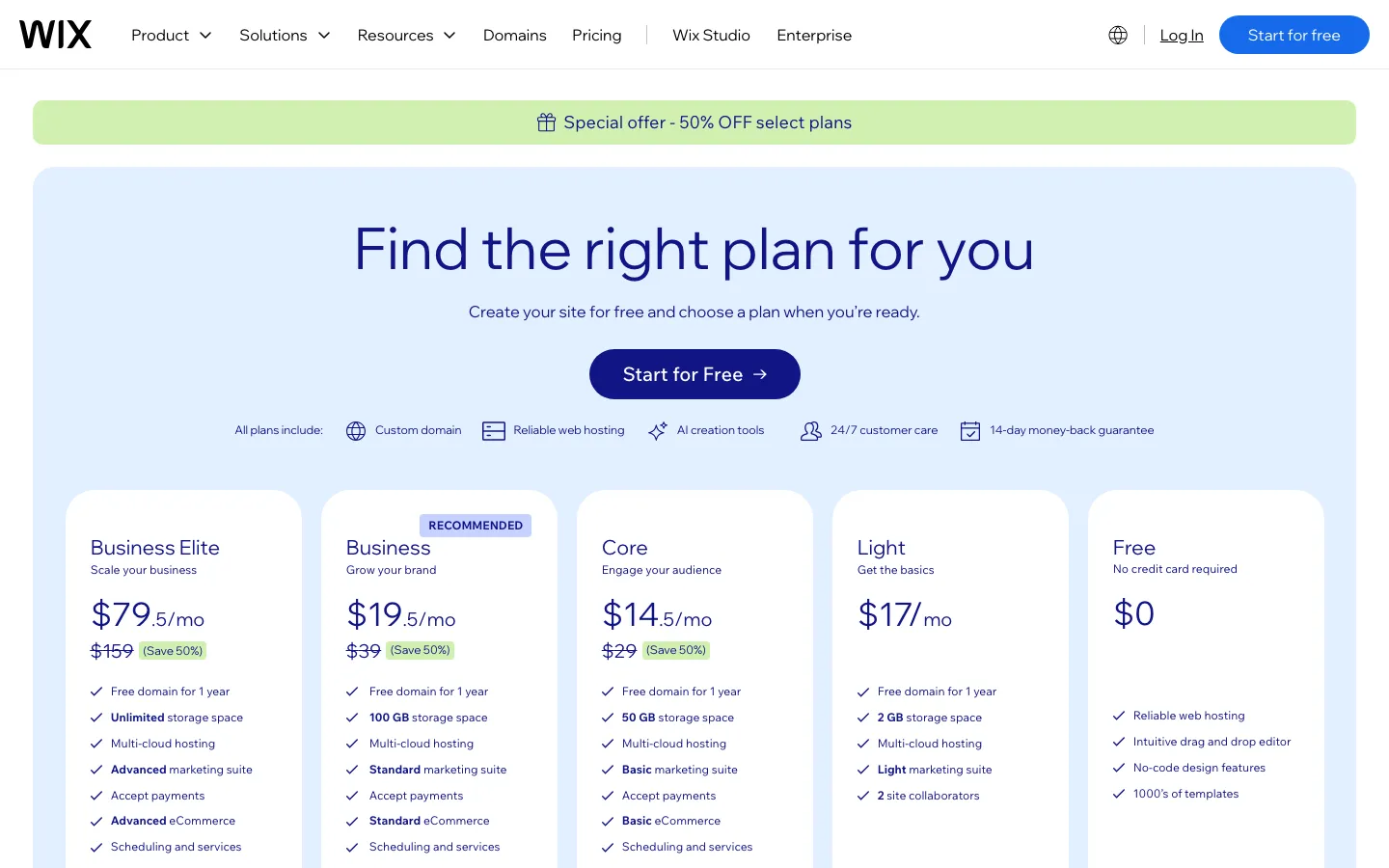
Wix is a candidate when business tools matter alongside the site. Run a booking or order through the entire flow and check the staff notification and customer confirmation. Wix offers test sites and release management; confirm how the chosen editor and live data behave during a test.
WordPress.com is a candidate when editorial work and plugins are central. All paid plans now permit plugins, so the old Business-only restriction should not shape the shortlist. The September introductory price observations need a fresh renewal check.
Ask the eventual operator to make a routine edit without the designer. That test often tells you more about fit than the appearance of a demo template.
Carrd: reduce the scope when one page is enough
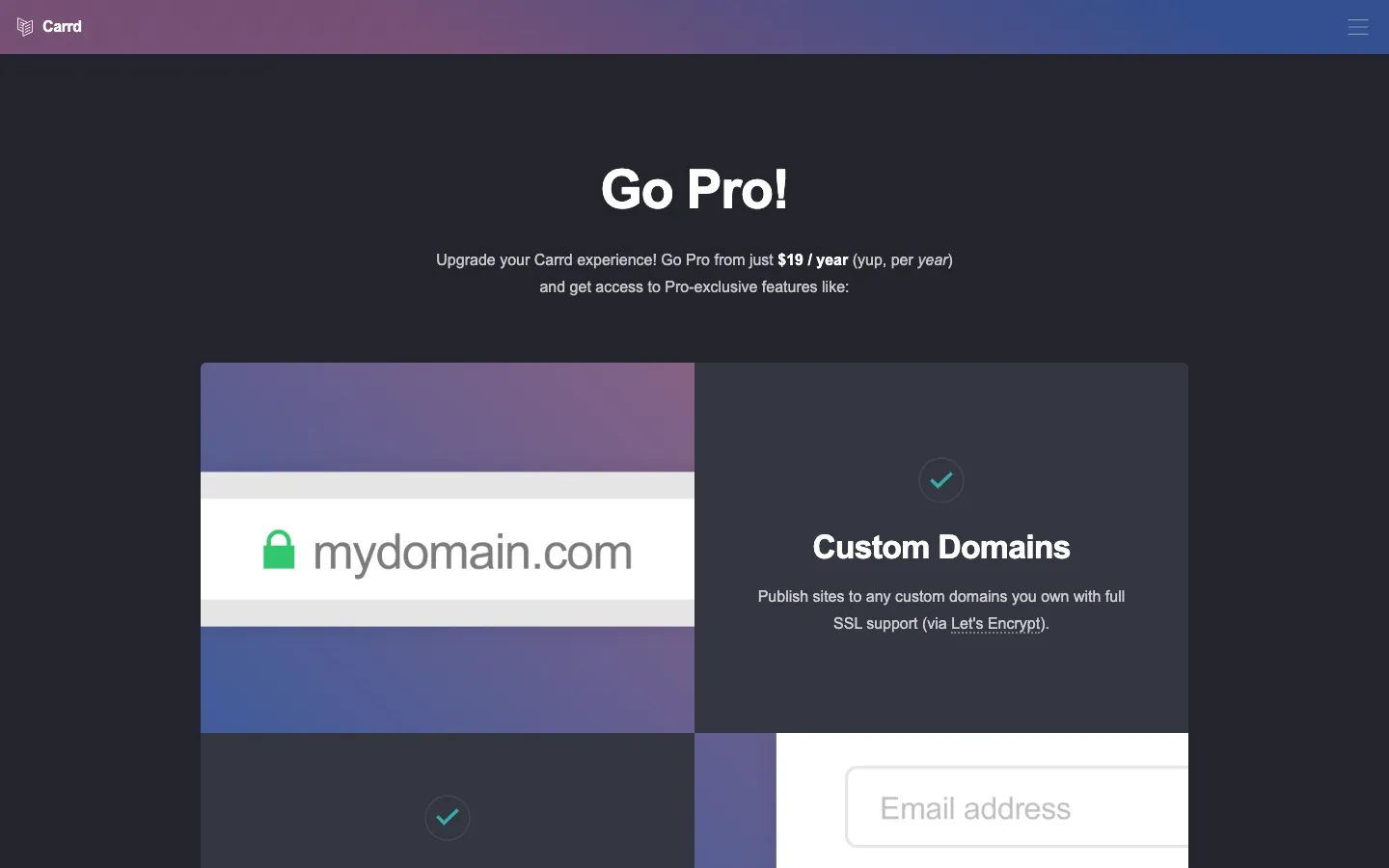
A launch page, profile or small service offer may not need a multi-page builder. Carrd's recorded annual prices make it a different purchase from a full content or commerce platform. Check that one page covers the visitor's questions and that the required form and domain features are included.
Code: compare the build and the ongoing work
A maintained Next.js or Astro site can give you a repository and control over implementation. It does not automatically provide a CMS, forms, backups, monitoring or cost-free collaboration; those must be selected and operated.
Vercel Hobby is noncommercial, and paid seats and usage affect business hosting. Other providers have their own conditions. Do not compare a business builder subscription with an ineligible free hosting tier.
For an illustrative first year, a $6,000 build plus $1,500/month of care totals $24,000 before hosting. A hypothetical $29/month plan totals $348 before extras and labor. Code needs to justify that difference through requirements and service scope, not a promise of cheap hosting.
Make the migration decision after the tests
SUUR, the publisher, offers migration from $6,000 for an agreed scope of up to twenty pages, with optional care at $1,500/month and hosting separate. That commercial interest is disclosed; it does not mean a move is necessary.
If a replacement wins the practical tests, map the URLs and preserve content, metadata and integrations. Google's site-move guidance recommends redirects and monitoring and warns that temporary ranking fluctuations can occur.
Stay with Squarespace when the template, store and editing process fit. Move when a tested requirement and a complete cost comparison support the change.
Sources, commercial interests and corrections
Frequently asked questions
The official export documentation describes a partial WordPress XML export, including certain pages, one blog and text/images. Styles, custom CSS, store pages and other listed types are excluded. Check the current supported list and test a representative import; content export is not a complete site export.
There is no supported universal cutoff in this comparison. Evaluate inventory, variants, fulfillment, sales channels, subscriptions, reporting and required integrations. Product count alone does not establish that a move is needed.
Some recorded base plans were lower, but others were higher. Compare current renewal cost, payment and transaction fees, apps, editors, implementation and support for the same requirements.
It may preserve much of the site's structure and search signals, but unchanged rankings cannot be promised. Map URLs, redirects, metadata and internal links, then monitor the move. Google warns that temporary fluctuations can occur.
Want to talk to SUUR directly?
We work with founders shipping product, not just decks.